Logging into your ChopWin account is straightforward, whether you’re using a browser or the mobile app. Here’s everything you need to know to access your account quickly.
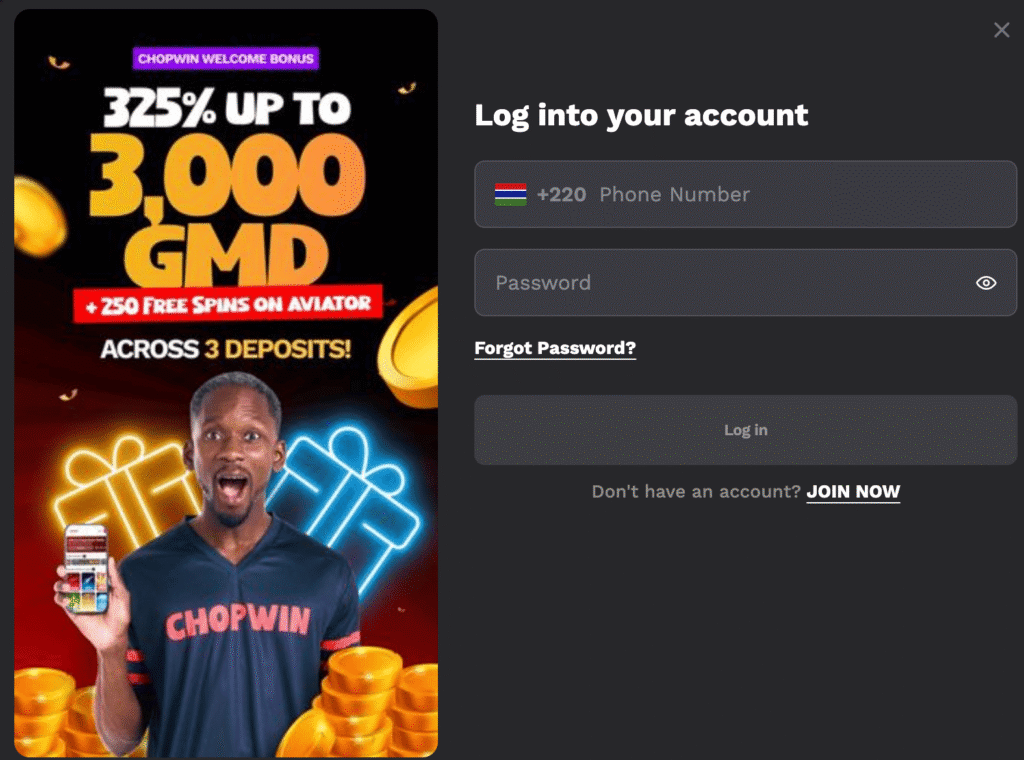
How to Log In to ChopWin GM
Logging in takes just a few seconds. Have your registered phone number and password ready before you start.
Browser
- Go to the official ChopWin Gambia website.
- Click the login button in the top right corner of the page.
- Enter your registered Gambian phone number.
- Type in your password.
- Tap Log In to access your account.
Mobile App
- Open the ChopWin app from your home screen.
- Tap the login option on the main screen.
- Enter your registered phone number.
- Type in your password.
- Tap Log In to enter your account.
ChopWin Login Problems? See Here How to Fix Them
- Forgot your password: Tap the “Forgot Password” link on the login screen and follow the steps to reset it using your registered phone number.
- Wrong phone number format: Make sure you’re entering your number without the +220 country code, as this is pre-filled automatically — adding it manually may cause a login error.
- Account not recognised: Double-check that you’re using the phone number you used during the registration process. If you’re unsure, contact support at hello@chopwin.gm.
- Account locked: Too many failed login attempts may temporarily lock your account. Wait a few minutes before trying again or contact the support team for assistance.
- App not loading the login screen: Close the app completely, restart your phone, and try again. If the issue continues, clear the app cache or re-download the APK from the official website.